Launching soon·v1.0.0

The desktop lab for
biosignal AI

Clean signals, train models, and build reusable studies, all locally, on your own hardware.

Also on
BCILattice, Studies
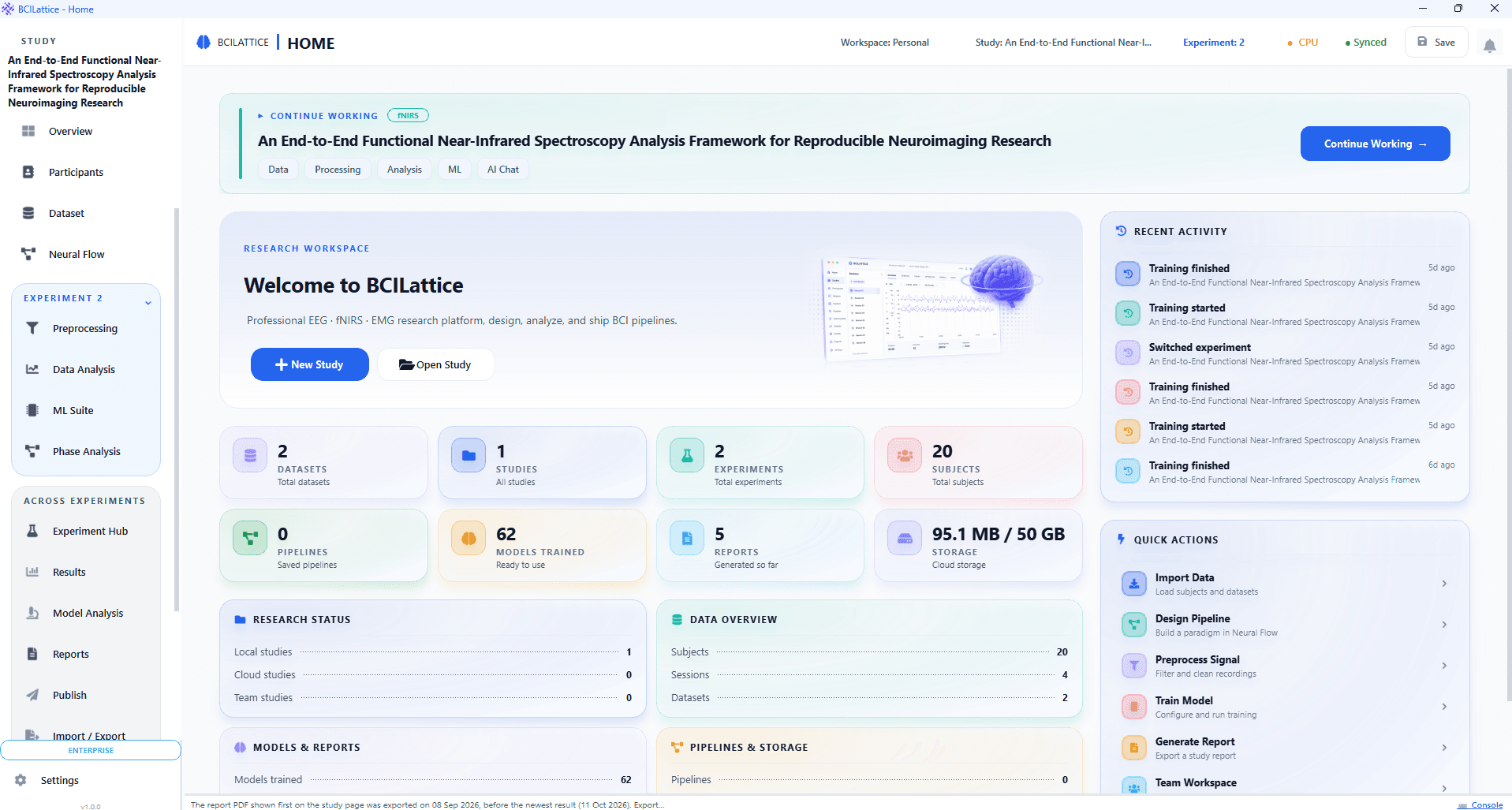
Study library showing local, cloud, and team research studies in BCILattice

BCILattice for Windows

Windows 10 / 11 · 64-bit

Version

v1.0.0

Format

.exe installer

Size

412 MB

Signed builds · SHA-256 checksums published with every release

Other platforms

Everything runs locally. Your recordings never leave your machine unless you publish them.

Setup

Installed and running in minutes

Python and every dependency ship inside the installer. No environments to manage, nothing to compile.

  • Train models locally on CPU or CUDA GPU
  • Import SNIRF, EDF, BDF, CSV, and BIDS-style data
  • Build complete AI workflows visually
  • Work with fNIRS, EEG, EMG, and live LSL streams
  • Start from EEGNet, Transformer, LSTM, or custom models
  • Free forever plan, no credit card required
  1. 1

    Download the .exe installer with the button above.

  2. 2

    Run the installer. If UAC prompts, right-click and choose "Run as administrator".

  3. 3

    Follow the setup wizard and accept the default installation path, or choose your own.

  4. 4

    A desktop shortcut and Start Menu entry are created automatically.

  5. 5

    Launch BCILattice. Sign in with your BCINexus account for cloud sync (optional).

Changelog

Release notes

Full changelog

v1.0.0

Initial Stable Release
  • NewFirst stable public release of BCILattice.
  • NewComplete workflow for EEG, fNIRS, and EMG analysis, from data import to publication-ready results.
  • NewSupport for preprocessing, artifact removal, feature extraction, machine learning, deep learning, and explainable AI.
  • NewNeural Flow visual model builder with support for custom architectures and training pipelines.
  • NewIntegrated visualization tools including signal plots, activation maps, confusion matrices, feature analysis, and statistical reporting.
  • NewHardware interoperability through file import, LSL streaming, and supported device integrations.
  • NewStudy-based workspace with reproducible analysis pipelines and exportable reports.
  • PerfOptimized processing pipeline for large neurophysiology datasets and GPU-accelerated model training.

Hardware

System requirements

BCILattice runs on ordinary lab hardware. A CUDA GPU speeds up training but is never required.

CPU
Intel Core i5 / AMD Ryzen 5 or better
RAM
8 GB minimum · 16 GB recommended
GPU
CUDA 11.8+ for GPU training (optional)
Python
3.10 – 3.12, bundled with the installer
Storage
2 GB free disk space
Display
1280 × 800 or higher

BCINexus cloud

Need to share work with a lab?

Pair the desktop app with a BCINexus account for storage, team sharing, review status, and publishing of reusable studies.